Patient Portal
Signing In
Regional Medical Imaging’s Patient Portal is a tool for viewing your imaging exam reports and updating your basic patient information.
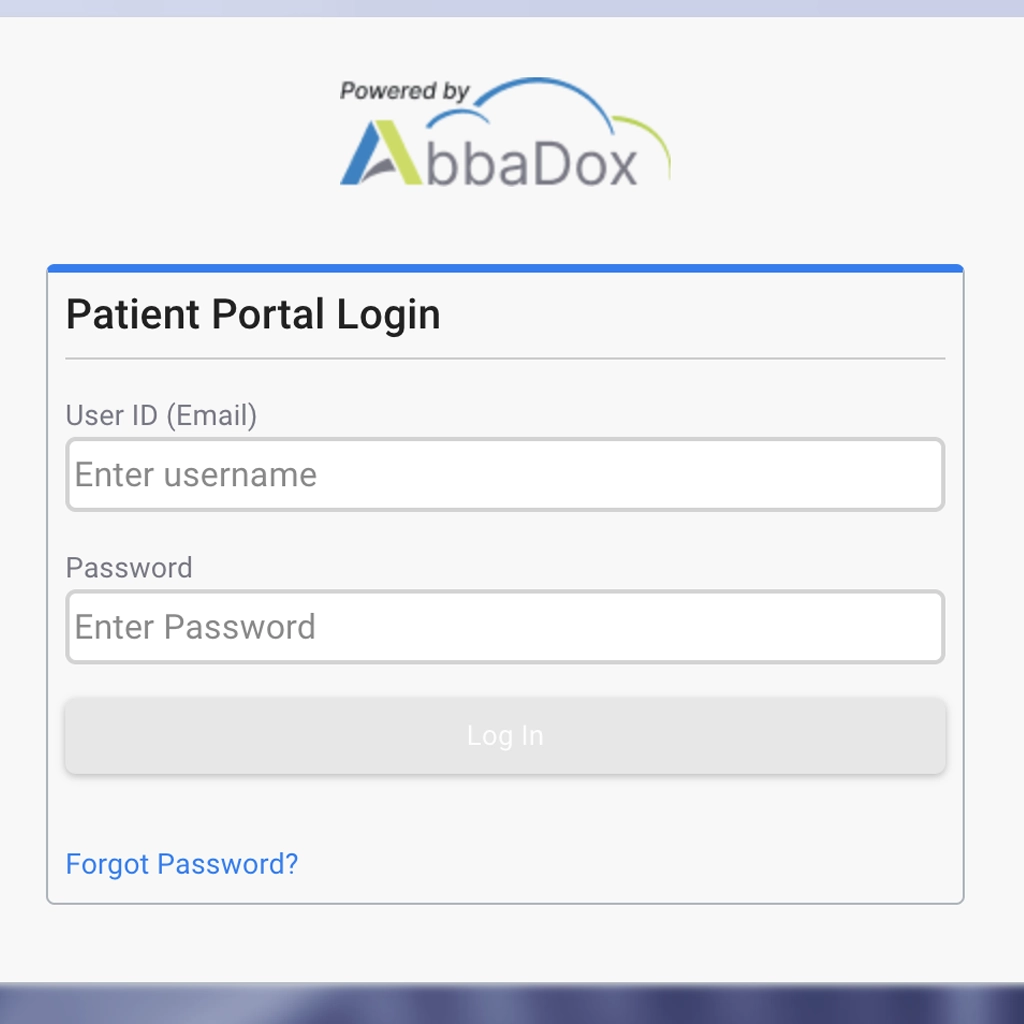
To log in, input your username (email address RMI has on file) and your password.
Regional Medical Imaging’s Patient Portal is a tool for viewing your imaging exam reports and updating your basic patient information.
To log in, input your username (email address RMI has on file) and your password.
Note: The portal will open in separate window, so you may quickly alt-tab to view this instruction page.